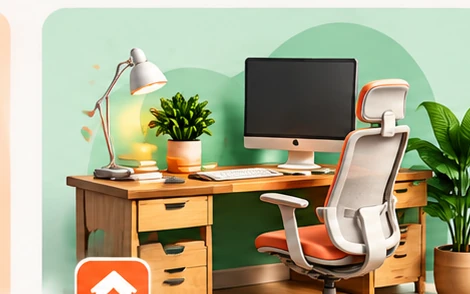
Start with the space you have
Measure your desk area and plan where cables, notebooks, and frequently used items will go. A clear layout can be more helpful than buying extra accessories.
Make your screen easy to view
Position the screen at a comfortable height and distance. Reduce glare by adjusting lighting or screen placement rather than automatically buying a new monitor.
Choose input devices for comfort
A keyboard and mouse should suit your hands and tasks. Look at layout, connectivity, noise, and return terms; expensive does not necessarily mean more comfortable.
Pay attention to lighting and sound
Task lighting can improve visibility. If you attend calls, a quiet space and a reliable microphone may matter more than a premium webcam.
Buy in stages
Identify your biggest inconvenience, make one change, and see whether it helps. Reusing equipment and checking durability can keep costs manageable.
A productive workspace is one you can use comfortably and consistently, not one with the most gadgets.
Want more practical buying tips?
Browse all guides ↗ 5 things to check before buying a gadget
 Is that discount actually a good deal?
 Find headphones that fit your life